
TabPilot MDM5.0.412 - Get APK
You'll be able to download in few seconds.
Publisher Description
SUMMARY:
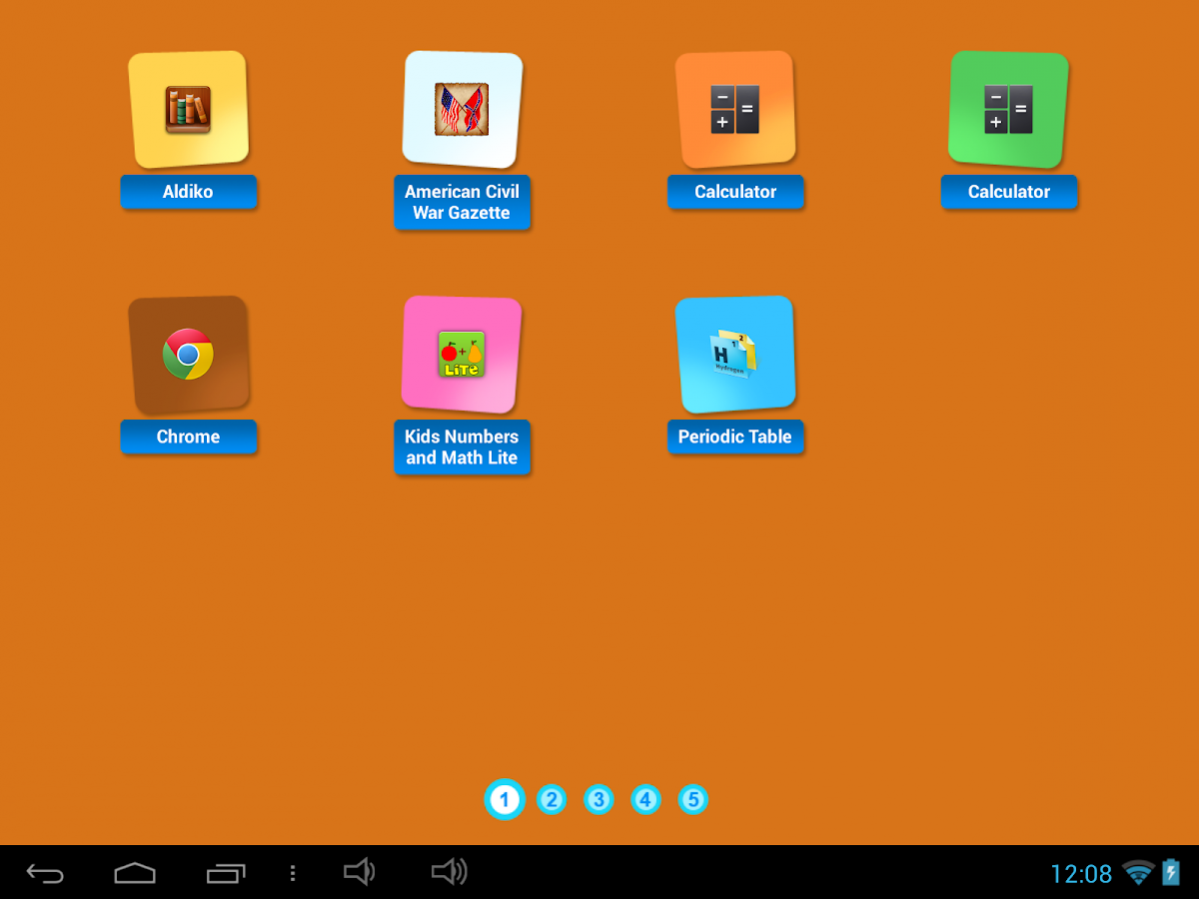
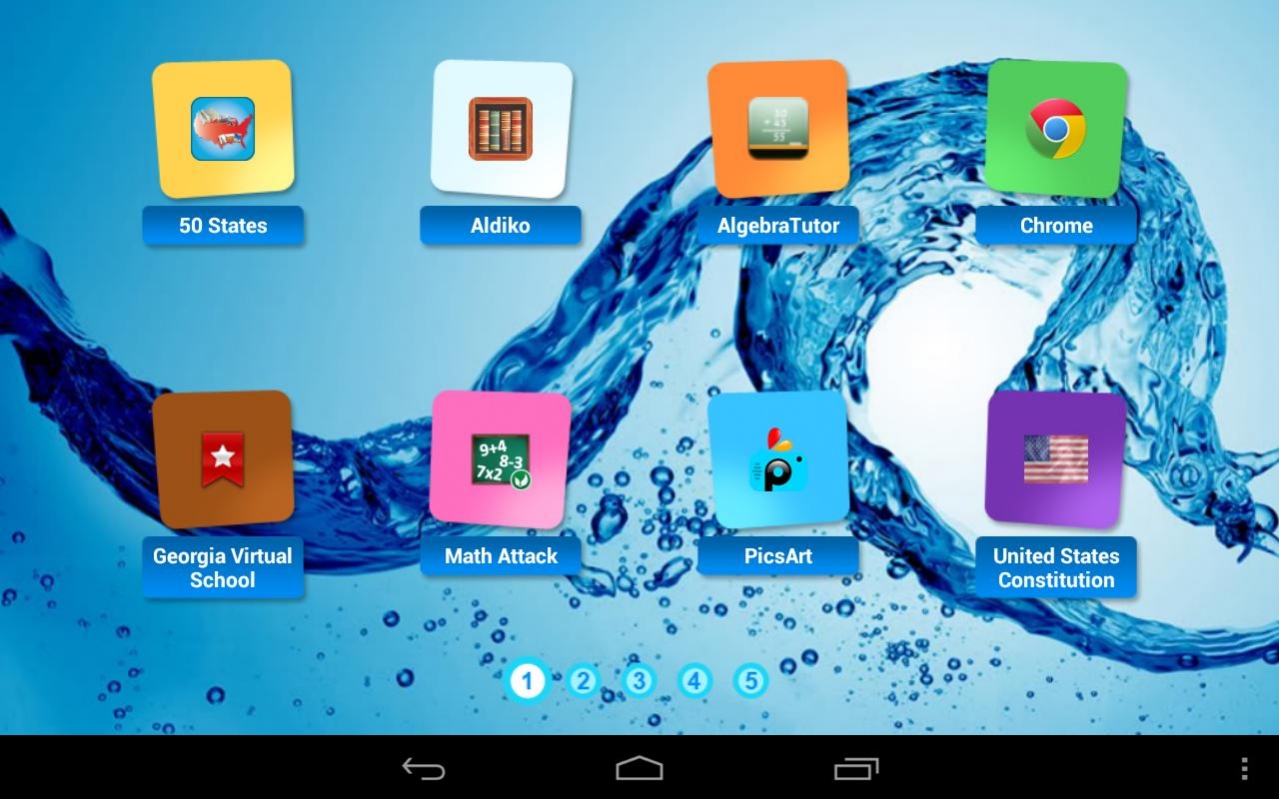
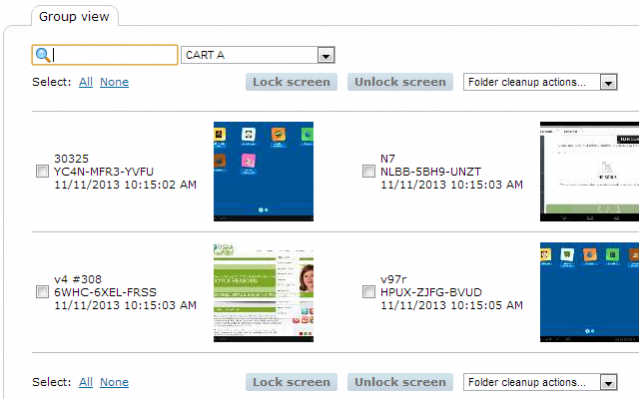
TabPilot is a cloud-based mobile device management system that puts teachers in control of entire sets of classroom tablets: lockdown tool, app distribution tools, app inventory, content/file management, more. Students see ONLY apps & links configured by their teacher, so they stay on-task. Teachers use a standard browser to configure a whole set of tablets wirelessly with a few clicks -- great for shared-use environments where different teachers borrow a cart-full of tablets. TabPilot can be used to lock tablets into a single app. It can also lock students into a single web site with the optional TabPilot FocalPoint secure browser.
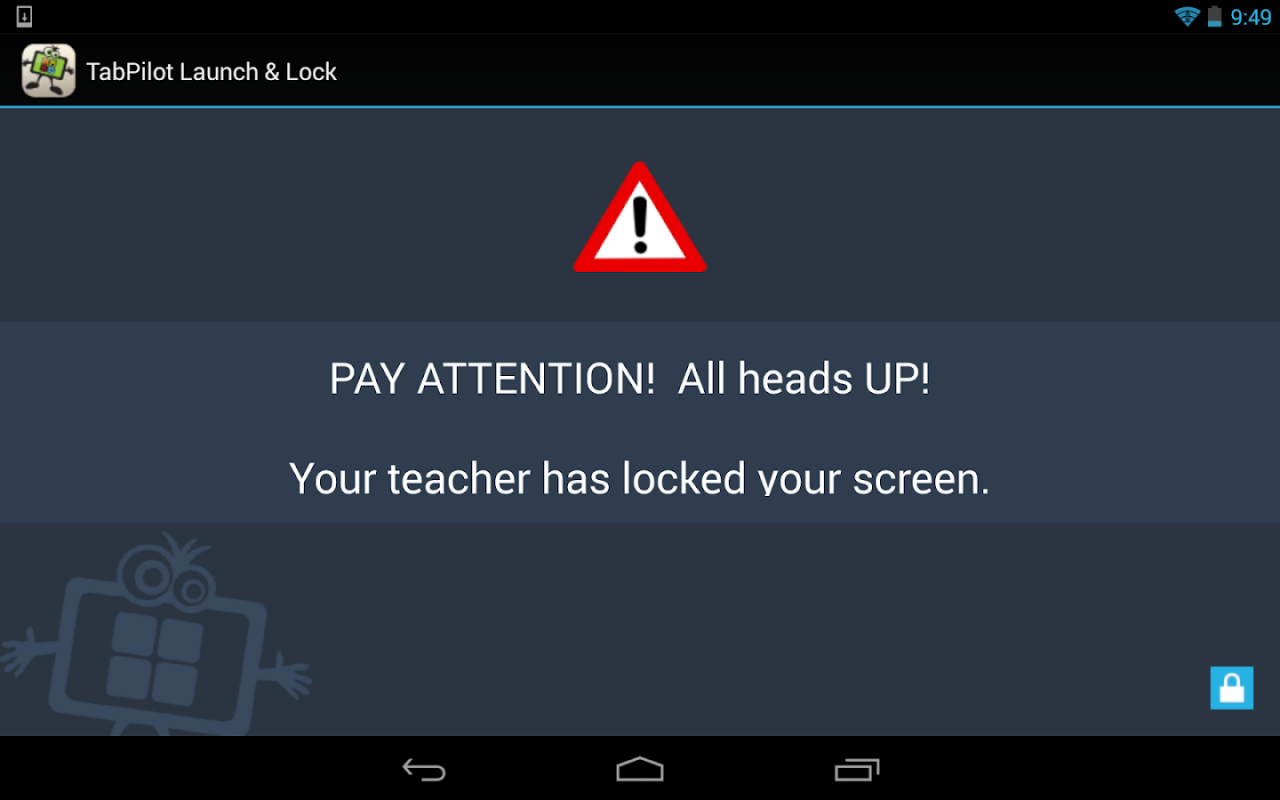
Freeze tablet screens with custom message to get student attention. Monitor student screens remotely.
DETAILS:
Using TabPilot, teachers and administrators can:
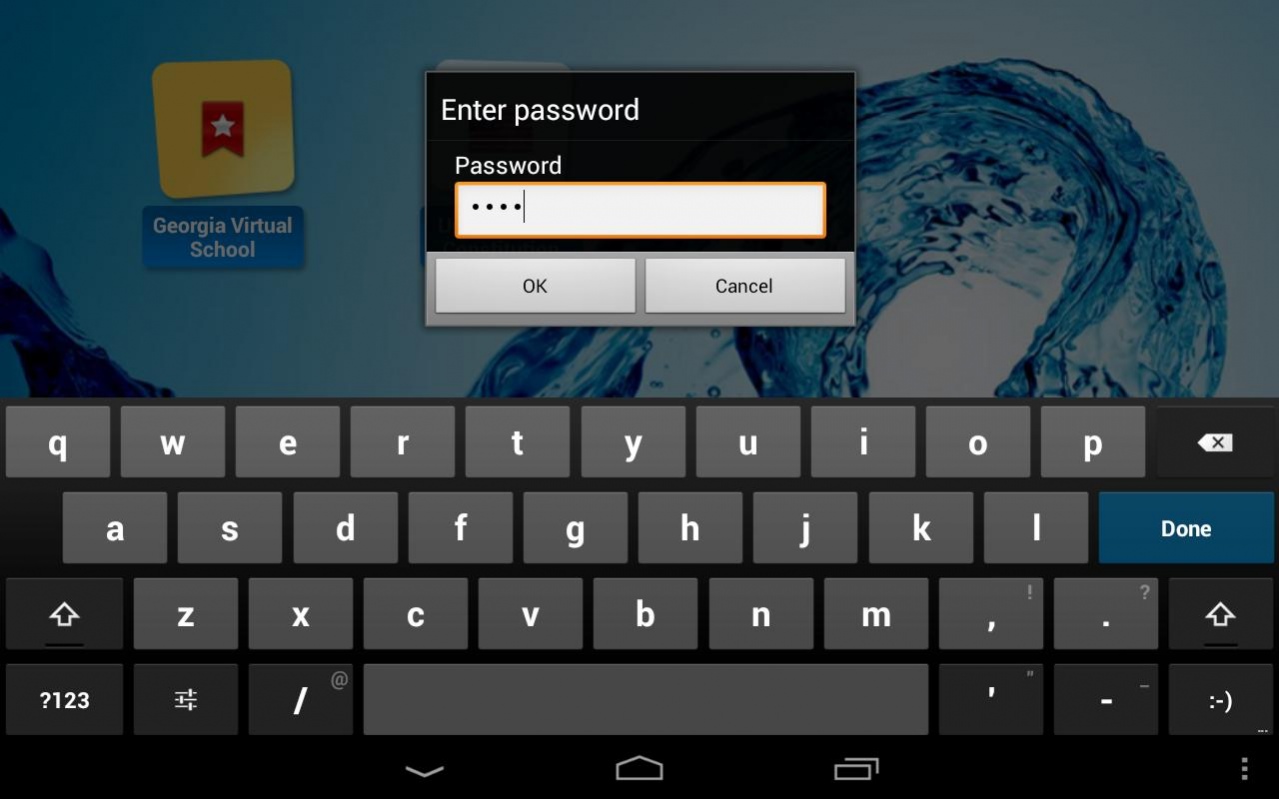
- Lock down tablets to prevent access to settings
- Choose which apps students can access during a class period
- Configure web-links for quick access to web sites
- Set backgrounds on groups of tablets, including uploading of custom backgrounds
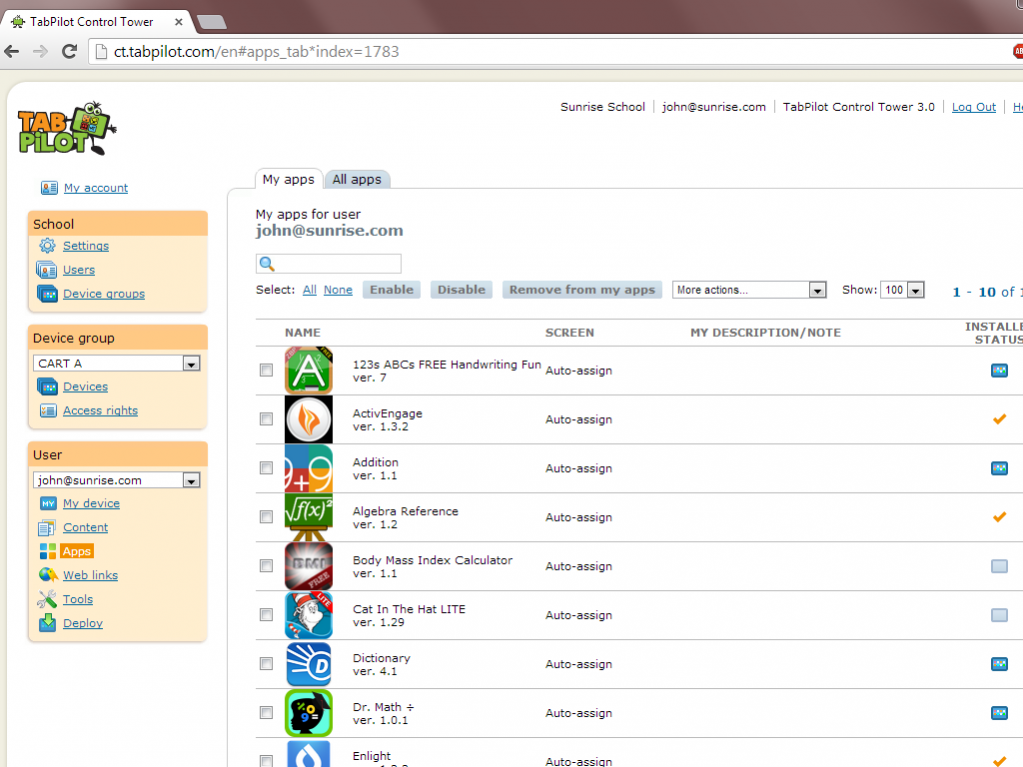
- Distribute apps to groups of tablets for automatic installation*
- Content management features to push e-books, PDF documents, and more to devices
- Administrators can check for app license compliance and for out-of-date apps to be updated
- Administrators can hide apps from teacher view (such as system apps)
- "My Device" feature allows teacher tablets to be registered for use with the system
Teachers choose from thousands of apps available on the Android platform using the Google Play market, or other standard sources. Students see only the apps that the teacher enables and are locked out of system settings and other apps. Each teacher can activate his or her own configuration and app choices.
TabPilot runs on value-priced TabPilot-branded tablets as well as select third party tablets. TabPilot turns the tablet into a kiosk for student use.
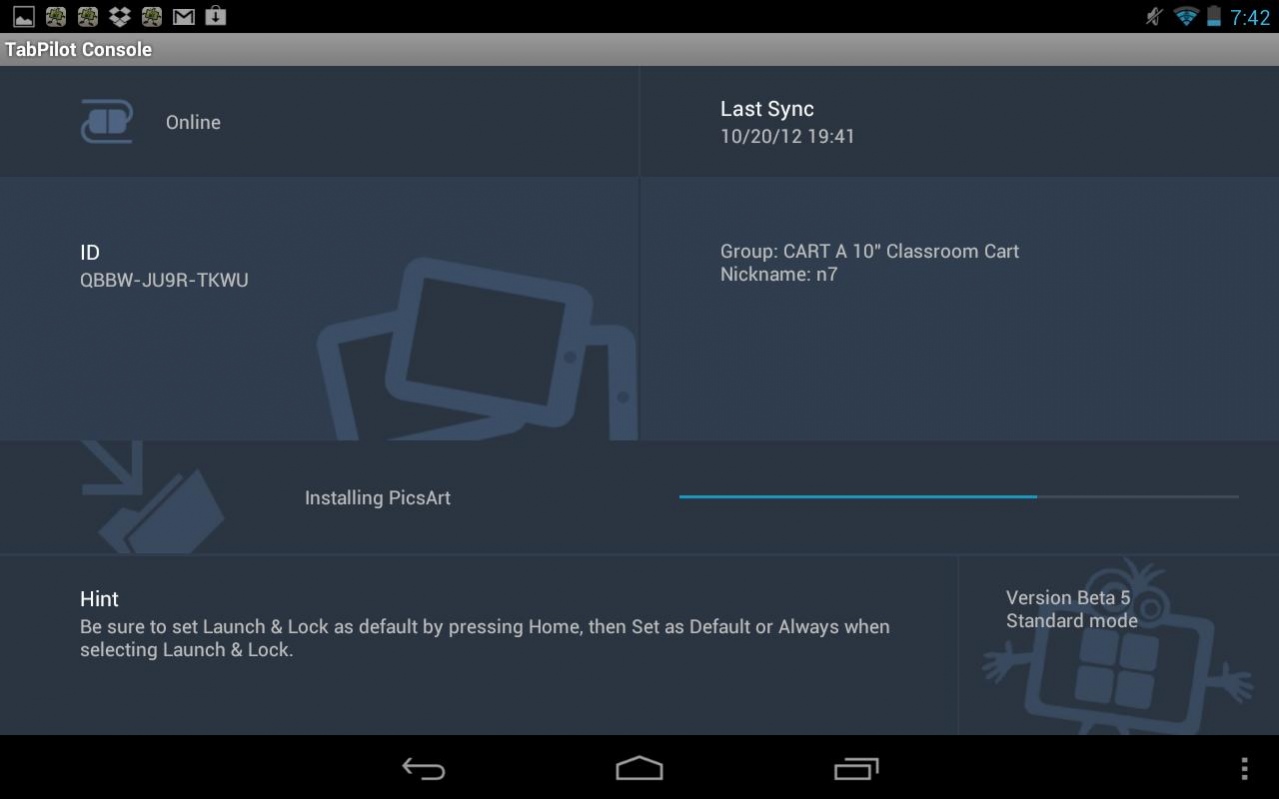
In addition to letting teachers choose what apps students can use, TabPilot also functions as an app distribution system, allowing administrators to install apps remotely to entire groups of tablets.
TabPilot Launch & Lock™ is the student tablet interface that allows students to launch applications, while locking them out of system settings. TabPilot Control Tower™ is the centralized management interface that teachers access using a standard web browser from any computer. The tablets are managed wirelessly.
Launch & Lock is also the platform for FocalPoint, the secure, locked-down browser (kiosk) for TabPilot.
Use of this app requires an account to the TabPilot Control Tower. Both free and paid accounts are available. Free accounts are limited to managing two devices. A free trial of the full version is also available. Sign up at www.tabpilot.com
Note: Free accounts are issued only to educational institutions. Users must sign up using their school-issued e-mail address.
*feature available on select devices
About TabPilot MDM
The company that develops TabPilot MDM is TabPilot Learning Systems. The latest version released by its developer is 5.0.412.
To install TabPilot MDM on your Android device, just click the green Continue To App button above to start the installation process. The app is listed on our website since 2018-02-19 and was downloaded 0 times. We have already checked if the download link is safe, however for your own protection we recommend that you scan the downloaded app with your antivirus. Your antivirus may detect the TabPilot MDM as malware as malware if the download link to com.tabpilot.installer is broken.
How to install TabPilot MDM on your Android device:
- Click on the Continue To App button on our website. This will redirect you to Google Play.
- Once the TabPilot MDM is shown in the Google Play listing of your Android device, you can start its download and installation. Tap on the Install button located below the search bar and to the right of the app icon.
- A pop-up window with the permissions required by TabPilot MDM will be shown. Click on Accept to continue the process.
- TabPilot MDM will be downloaded onto your device, displaying a progress. Once the download completes, the installation will start and you'll get a notification after the installation is finished.
Program Details
System requirements
Download information
Pricing
Version History
version 5.0.412
posted on 2018-02-19
Minor bug fixes.
Disclaimer
External Download
We do not host TabPilot MDM on our servers. We did not scan it for viruses, adware, spyware or other type of malware. This app is hosted by Galad and passed their terms and conditions to be listed there. We recommend caution when installing it.
The APK Download link for TabPilot MDM is provided to you by apps112.com without any warranties, representations or guarantees of any kind, so access it at your own risk.
If you have questions regarding this particular app contact the publisher directly. For questions about the functionalities of apps112.com contact us.
